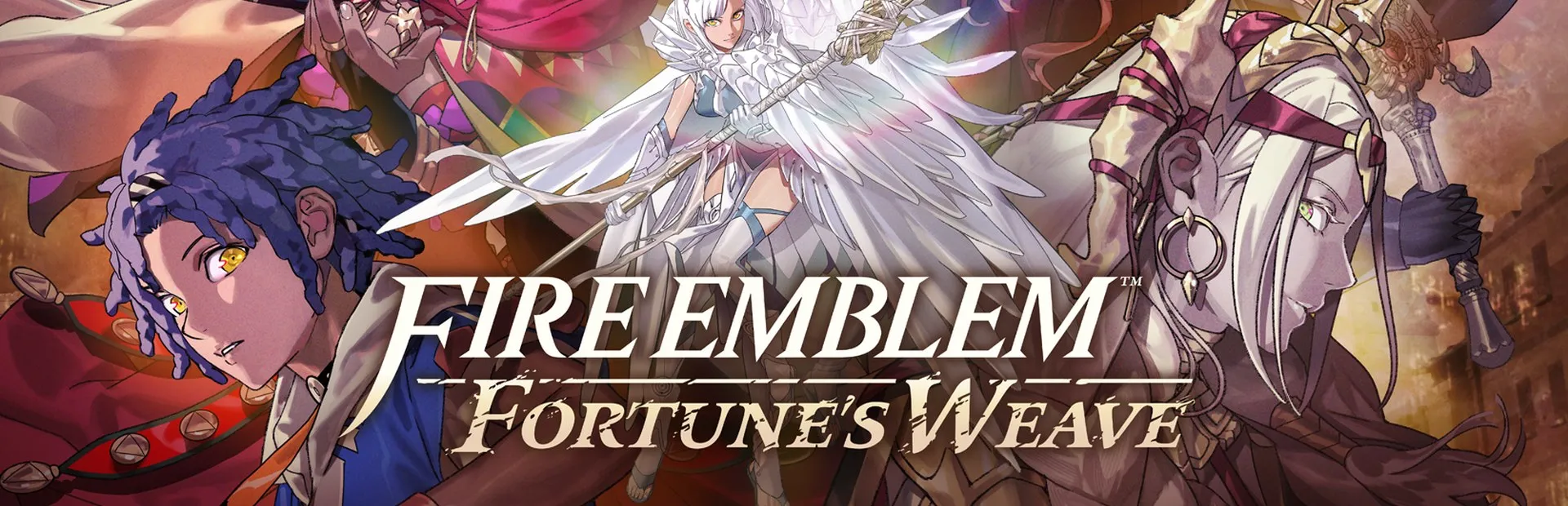
Arabic translationFire Emblem: Fortune's Weave
فاير إمبلم: فورتشنز ويڤ
What's translated
Played on PC through fefw-recomp from your own dump of update 131072: 64,539 lines translated straight from the original Japanese into Modern Standard Arabic, covering the whole story, battles, side conversations, quests, menus, tutorials, the names of characters, places, items and skills, and the movie subtitles. Joined Arabic letters in the SST Arabic font, dialogue set against the right edge, and the Next arrow on the left. Characters address the hero by the body you choose; the game's own instructions use the masculine. A name typed in Arabic shows correctly. Arabic replaces English.
Part 1: Get the game running on PC
- What you need: Windows 10 or 11 (64-bit); a 64-bit CPU with SSE4.2 and POPCNT (Intel Core i3/i5/i7 from 2008 on, AMD FX or Ryzen); a GPU with Vulkan 1.3 and an up-to-date driver; 16 GB of RAM; about 30 GB of free disk space.
- Your own decrypted dump of the game at update 131072, from your own console: a folder with exefs and romfs, a dump folder with base and updates, or a .nup package. Neither fefw-recomp nor this translation includes any game files.
- Download fefw-recomp-0.5.0-win64.zip (or newer) from the fefw-recomp releases page (linked beside the download button) and extract it to a folder of its own, for example C:\Games\fefw-recomp.
- Run fefw-launcher.exe from that folder. On the Setup page, choose your dump folder or .nup file and press Set up. The first Set up checks your files, builds the game for your PC and prepares the shaders; it takes a while, and you can Pause it and continue later.
- Press Play once to make sure the game runs, then close the game and the launcher.
Part 2: Install the Arabic translation
- Download FEFW-Arabic-v1.0.0-beta.exe and run it. It needs the Microsoft .NET 8 Desktop Runtime; Windows offers the download if it is missing. If Windows shows "Windows protected your PC", click More info, then Run anyway.
- The installer finds the fefw-recomp folder by itself (or choose it with the manual folder link). Click the install button: it copies the FEFW-Arabic folder into the mods folder and changes none of the game files.
- When the installer opens the launcher, press Set up once more: the translation adds a small change to the game code that is built in then. This one is quicker than the first.
- In the launcher, open Settings, then Sound and language, and set Game language to English (US). Save. The Arabic replaces the English text.
- Press Play. Characters address the hero by the body you choose at the start; you can type your name in Arabic.
Known issues
- Text drawn inside images stays English: tutorial pictures, chapter cards, the title logo and the end credits.
- Each page of dialogue appears at once instead of letter by letter: the game reveals letters from the left.
- fefw-recomp's name window does not draw Arabic yet (a fix is sent to fefw-recomp); the name still reaches the game correctly.
- Some long help texts and titles may run slightly past their frame, and menus stay left-aligned.
- Beta: send a screenshot of any untranslated, cut-off or overflowing text.
Frequently asked questions
- Is the Fire Emblem: Fortune's Weave Arabic translation free?
- Yes, it is completely free. Download version 1.0.0-beta from GitHub.
- What language was it translated from?
- It was translated directly from Japanese, the language of the game's original script. It has 64,539 translated lines.
- How do I switch Fire Emblem: Fortune's Weave to Arabic?
- Press Play. Characters address the hero by the body you choose at the start; you can type your name in Arabic.
- Does it work on the Switch or an emulator?
- No. It is built for the game on PC through fefw-recomp, from your own dump of update 131072.
- Set up says "These game files are a different version". What now?
- fefw-recomp accepts update 131072 only. Make sure you dumped the update together with the base game, not the base game alone.
- The text is still English, or the arrow is on the right. Why?
- Check that Game language is English (US), that you pressed Set up after installing, and that you installed into the same fefw-recomp folder you start the game from.
- Does it work on Linux or the Steam Deck?
- Not tested yet. fefw-recomp runs there through Proton; the installer is Windows-only, so copy the FEFW-Arabic folder from FEFW-Arabic-v1.0.0-beta.zip into the mods folder next to fefw-launcher, then press Set up.
- How do I update fefw-recomp?
- From the launcher's About page, or extract the new package over the old folder. Your saves and the mods folder stay. Press Set up after updating.
- How do I go back to English?
- Run the installer and click the remove button, then press Set up in the launcher.