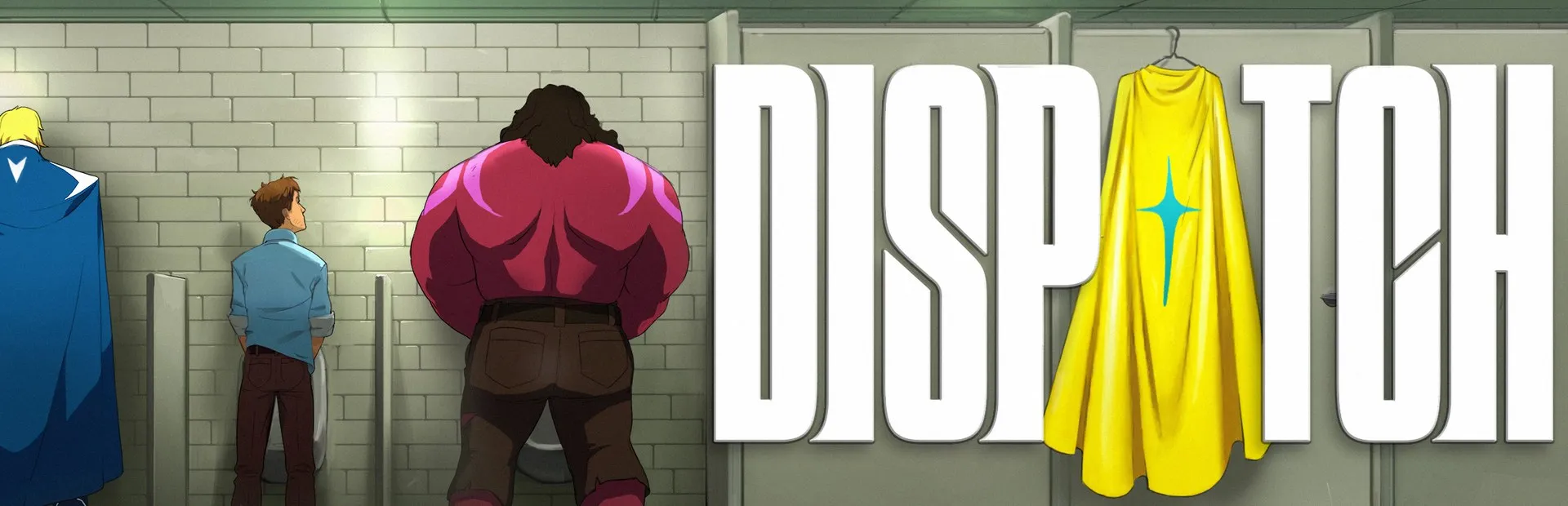
Arabic translationDispatch
ديسباتش
What's translated
The Steam game: 12,118 lines in Modern Standard Arabic covering all eight episodes (dialogue, your choices, the dispatch shifts with their calls and hero files) plus the menus and settings. Arabic is added as a new language and the other languages stay as they are. Subtitles and choices use the Marhey or SST Arabic font (your pick in the installer), the rest of the interface SST Arabic, with joined right-to-left text and no mirrored layouts. Built for Steam build 25637711.
How to install
- Close the game.
- Download Dispatch-Arabic-v1.1.0.exe and run it.
- It finds the game on Steam on its own; or pick the game folder manually.
- Pick the dialogue font (Marhey or SST), then click the install button.
- Start the game: it opens in Arabic. If it stays in another language, set Language to «System» in the settings.
Known issues
- The game's language list has no «العربية» entry: the installer switches the game to Arabic, so keep Language on «System».
- Usernames, terminal paths and codes stay in English, as on screen in the game.
- In Arabic the speaker's name in subtitles has the same colour as the line.
- Built for Steam build 25637711; after a game update, wait for a new version.
- Send a screenshot of any untranslated or overflowing text.
Frequently asked questions
- Is the Dispatch Arabic translation free?
- Yes, it is completely free. Download version 1.1.0 from GitHub.
- What language was it translated from?
- It was translated directly from English, the language of the game's original script. It has 12,118 translated lines.
- How do I switch Dispatch to Arabic?
- Start the game: it opens in Arabic. If it stays in another language, set Language to «System» in the settings.
- Why is there no «العربية» in the language list?
- The language list is fixed inside the game. The installer switches the game to Arabic through its settings file, so keep Language on «System» and Arabic shows.
- How do I go back to English?
- Run the installer and click the remove button, or pick English in the game's language list.