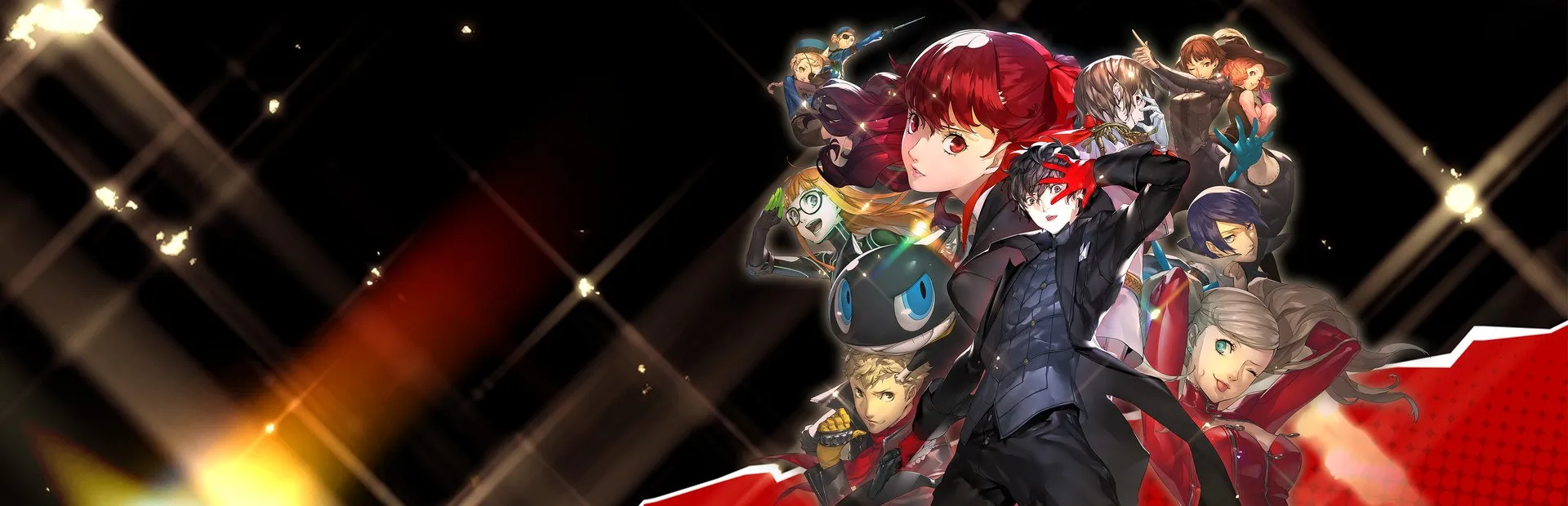
Arabic translationPersona 5 Royal
بيرسونا 5 رويال
What's translated
The Steam game, translated straight from the original Japanese into Modern Standard Arabic: 278,061 lines covering the whole story, Confidant scenes, chats and messages, menus, and the names of characters, Personas, skills and items. Menu titles, battle panels, posters and poems are redrawn in Arabic, and the anime cutscenes and the navigators' battle lines are translated too. Arabic replaces the English text, so keep the game on English. The game starts from Steam as usual, with no extra program to open. Built for Steam build 15515071.
How to install
- Close the game.
- Download Persona5Royal-Arabic-v1.0.0-beta.exe and run it.
- It finds the game on Steam on its own; or pick the game folder manually.
- Click the install button. Windows may ask once for permission to install Microsoft .NET 9 if it is missing.
- Keep the game language on English in Steam, then start the game from Steam as usual. The first start takes a little longer.
Known issues
- Beta: some tutorial screenshots and a few interface words stay in English.
- Some antivirus programs remove dinput8.dll from the game folder and the Arabic does not load: add the game folder to the exclusions and install again.
- Steam only; the Xbox Game Pass version is not supported.
- Built for Steam build 15515071; after a game update, wait for a new version.
- Send a screenshot of any untranslated or overflowing text.
Frequently asked questions
- Is the Persona 5 Royal Arabic translation free?
- Yes, it is completely free. Download version 1.0.0-beta from GitHub.
- What language was it translated from?
- It was translated directly from Japanese, the language of the game's original script. It has 278,061 translated lines.
- How do I switch Persona 5 Royal to Arabic?
- Keep the game language on English in Steam, then start the game from Steam as usual. The first start takes a little longer.
- Do I need to open Reloaded-II?
- No. The installer puts its own copy of Reloaded-II in the game folder, and the game loads the translation when you start it from Steam as usual.
- I already use Reloaded-II and other mods. Will they break?
- No. The translation is added to your existing mods, only missing libraries are installed, and your settings stay as they are.
- How do I go back to English?
- Run the installer and click the remove button; the game goes back to how it was.