
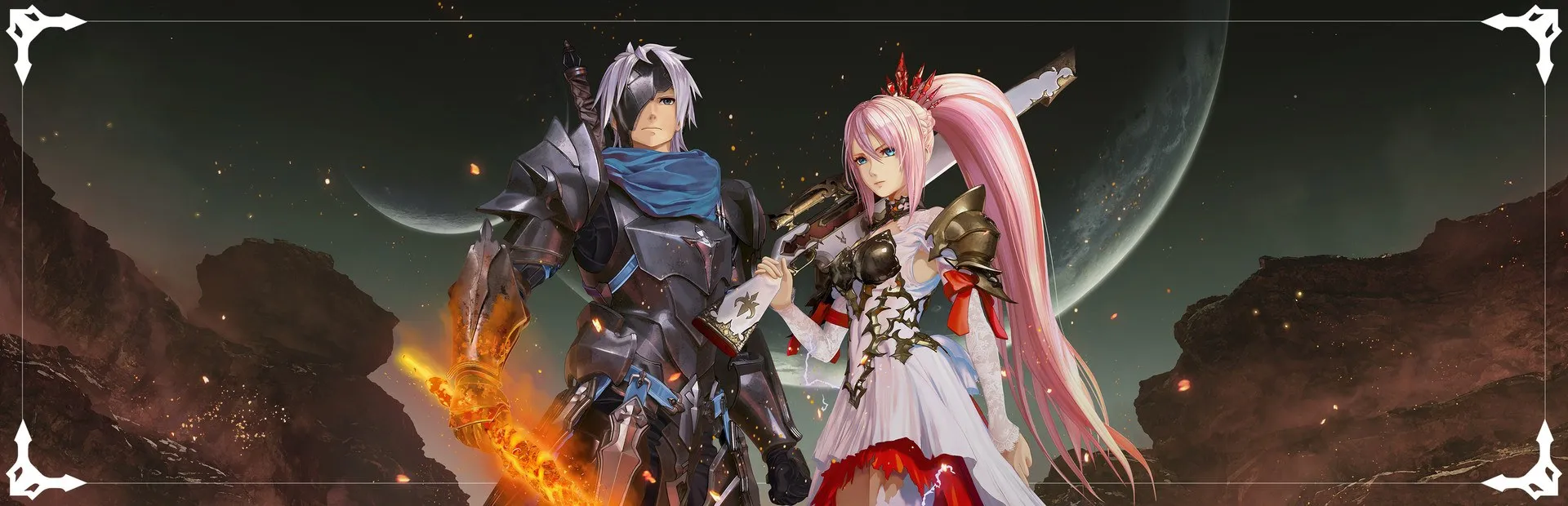
Tales of Arise
What's translated
Everything is translated from the original Japanese script: the main story and side dialogue, menus and settings, and descriptions of Artes, skills and items, plus an Arabic title-screen logo.
How to install
- Download «Tales of Arise Arabic Installer.exe» from the Files tab.
- Close the game completely before installing.
- Run the installer (it detects the game location automatically, or you can pick the folder manually).
- Click «تثبيت اللغة العربية»; it takes a moment (it just copies one small file).
- Launch the game and set the text language to English in the game settings; all text will appear in Arabic.