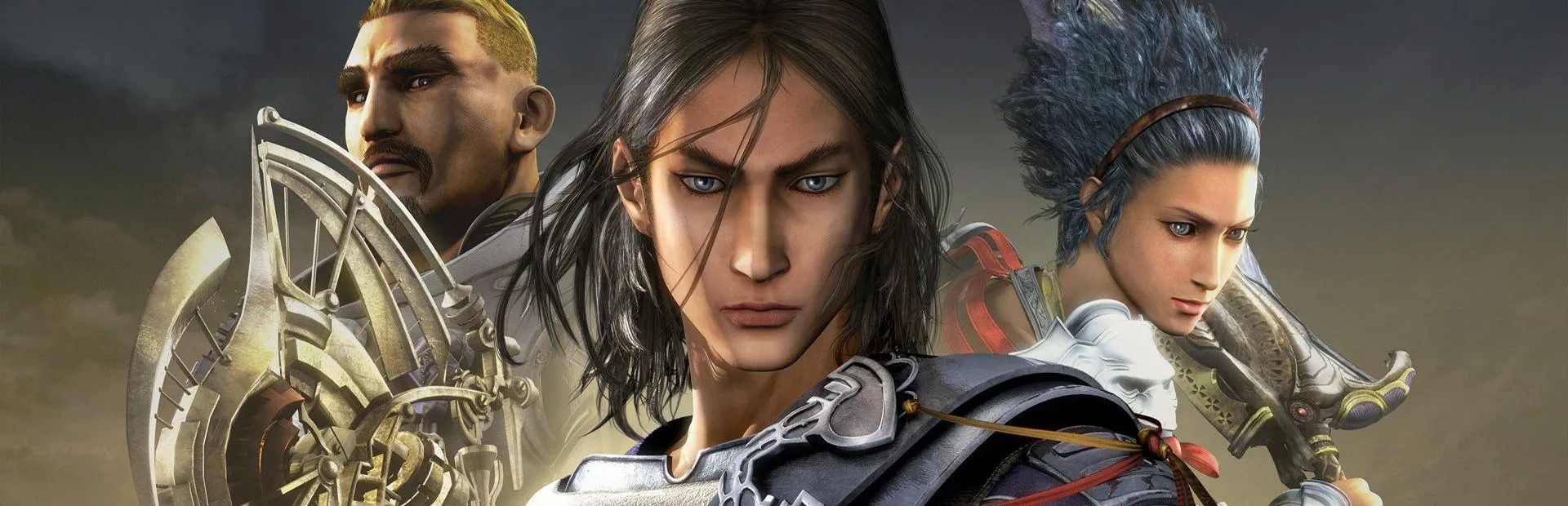
Lost Odyssey
What's translated
All of the game's text (28,530 lines): dialogue, subtitles, menus, items and skills, battle messages, the Thousand Years of Dreams and achievements, translated directly from the original Japanese script, plus the tutorial pictures redrawn in Arabic. Voices stay Japanese.
Part 1: Get the game running on PC
- You need your own Lost Odyssey discs for Xbox 360 (USA/Europe or Asian edition) as an ISO, an extracted folder or Games on Demand files, and a 64-bit Windows PC with an AVX CPU.
- Download LostOdysseyRecomp-windows-x64 v1.0.5 or newer from the releases page of github.com/freefrank/LostOdysseyRecomp.
- Extract the whole zip into a folder outside Program Files.
- Run LostOdysseyRecomp.exe. The importer opens: choose Files or Folder, pick your discs (disc 1 is required) and confirm. It copies your files and never changes them.
- Choose the languages and graphics options, make sure the game starts, then close it.
Part 2: Install the Arabic translation
- Close the game.
- Download LostOdyssey_Arabic_Installer.zip and unzip it.
- Run Lost Odyssey Arabic Installer.exe; it finds the game folder automatically (or pick it), then click the red install button.
- Start the game: Arabic is already selected.