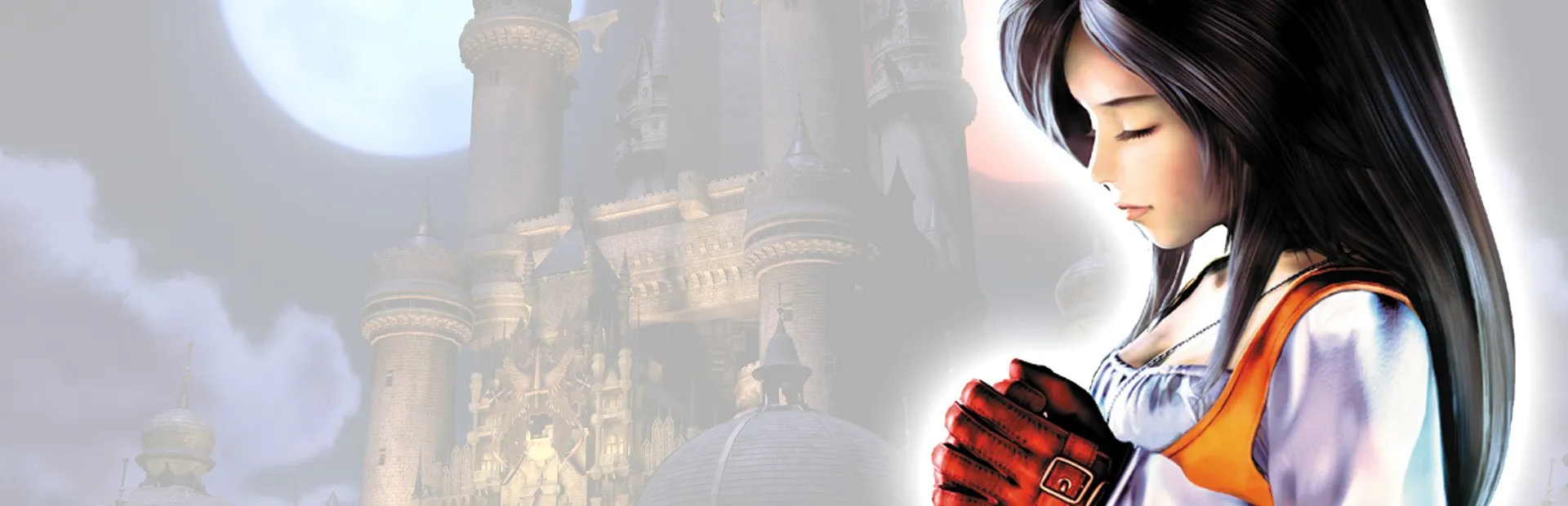
FINAL FANTASY IX
فاينل فانتسي IX
What's translated
Dialogue, battle text, menus, items, abilities, locations and character names, translated from the original Japanese script, plus the text drawn as images: title screen, place-name cards, continent titles, Tetra Master and the ending.
How to install
- Install Memoria (run Memoria.Patcher.exe) if you don't have it.
- Download the zip and copy the ArabicTranslation folder into the game folder, next to FF9_Launcher.exe.
- Start the game from Steam, open Mods → Installed Mods in the Memoria launcher and tick Arabic Translation.
- In the game's language menu, choose English (US): the Arabic replaces the English text slot.
Known issues
- A name you type for a character can only use Latin letters; the default names are in Arabic.
- Not tested with Moguri Mod yet. If you use it, keep Arabic Translation above Moguri in the mod list.